
Read. Tap. Remember.

Learn a language from anything you read.

Turn any book, article, or PDF into a quiet language lesson. Tap a word for its meaning in context, save what's new, and let short daily reviews make it stick.

Free to start · No account required · iPhone & iPad

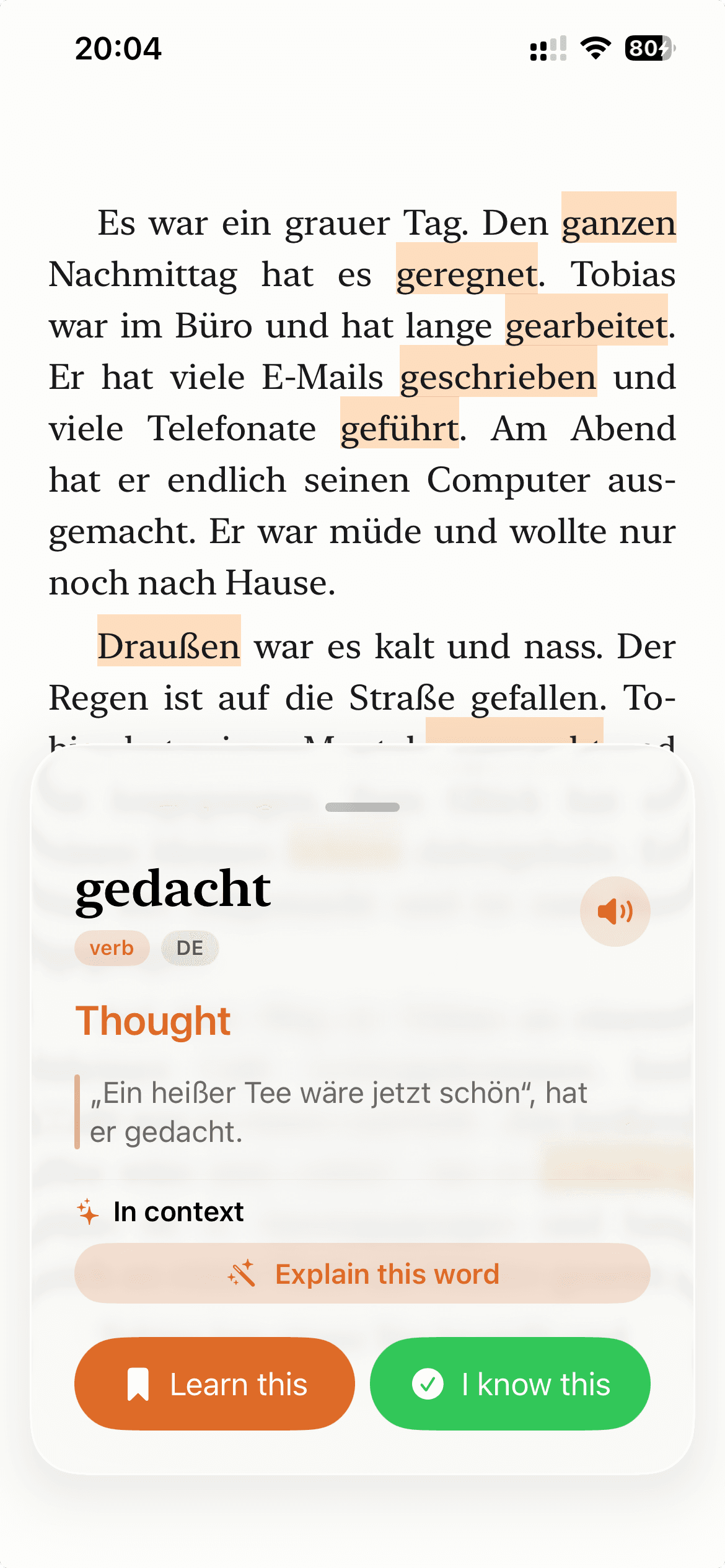
oqou reader showing a tapped word with its in-context meaning.

How it works

Three steps from reading to remembering.

  1. 01

    Bring your own text

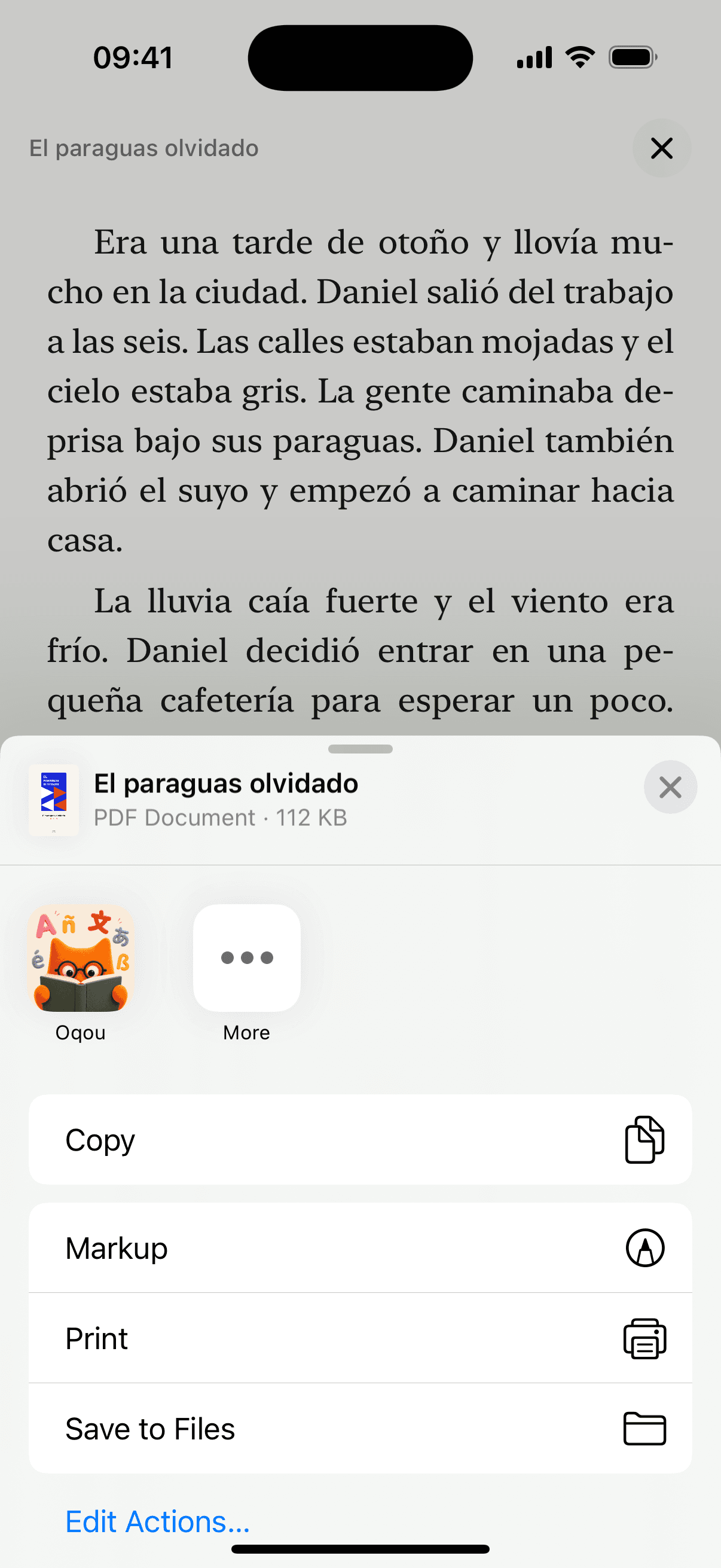
    Add a book, paste an article, or open a PDF. Share to oqou from Safari, Files, or anywhere, and it's ready to read in seconds.

  2. 02

    Tap any word, stay in the flow

    One tap shows an instant, in-context meaning and translation right where you are. No pop-out dictionaries, no losing your place.

  3. 03

    Save it, then let it settle

    Keep new words and phrases with a tap. Smart Review brings them back at just the right moment, in sessions that take a few minutes.

Features

Import anything

If you can read it, you can learn from it.

Books, news articles, research PDFs, blog posts, your own documents. Bring them in by web link, file, or paste, and oqou keeps the formatting clean and readable, so it still feels like reading, not studying.

  • Import from the web, Files, or paste
  • EPUB, PDF, DOCX, and plain text
  • Your library, organized and offline-ready
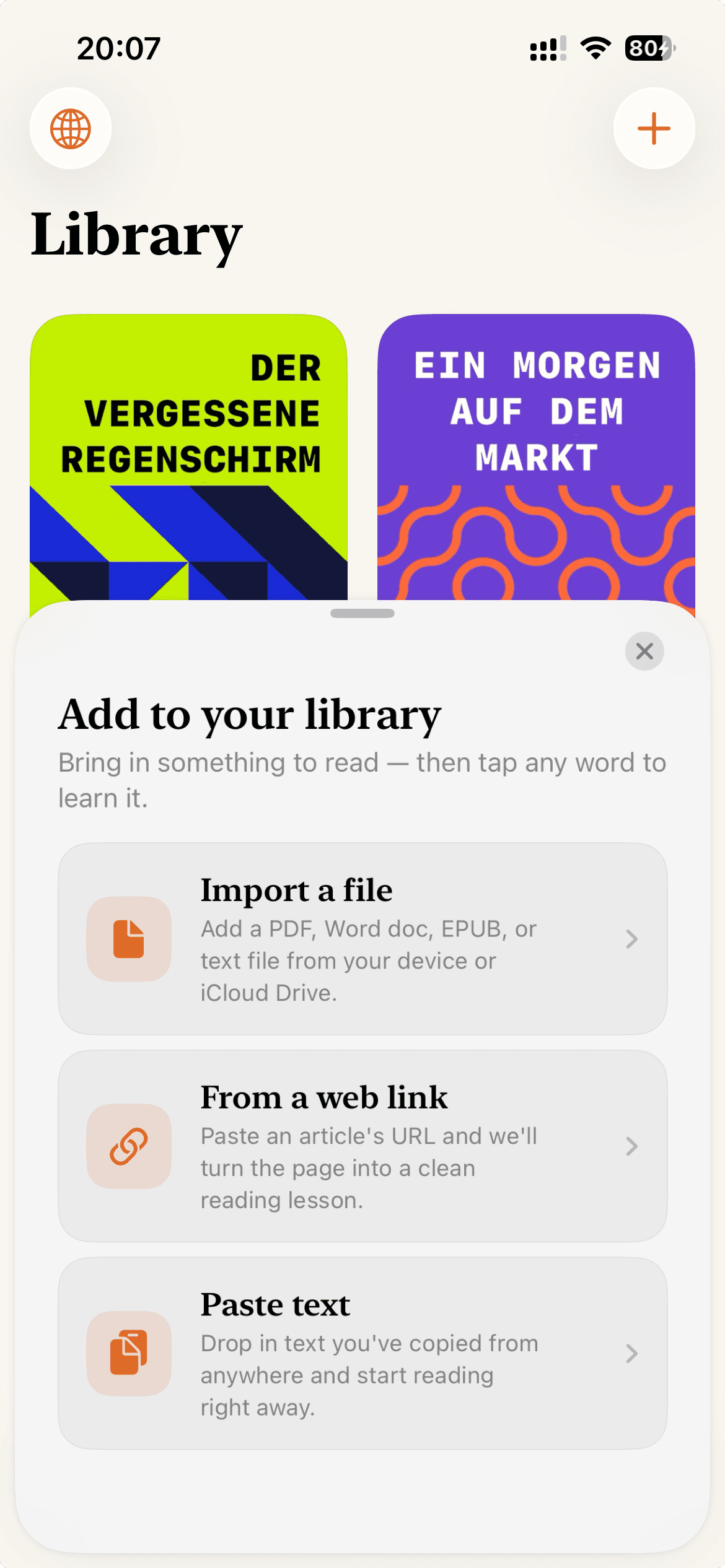
oqou importing a book, article or PDF to read.

Tap to translate

Understand the word without leaving the sentence.

Tap once. oqou reads the surrounding sentence and gives you the meaning that actually fits, not a generic dictionary guess, layered right over the page. Tap again to save it, and keep reading.

  • In-context meaning, not a literal lookup
  • Works fully on-device, instantly
  • One more tap to save it for later
Download on the App StoreTry it on your next page
oqou reader showing a tapped word with its in-context meaning.

Smart Review

A few quiet minutes a day. A year of progress before you know it.

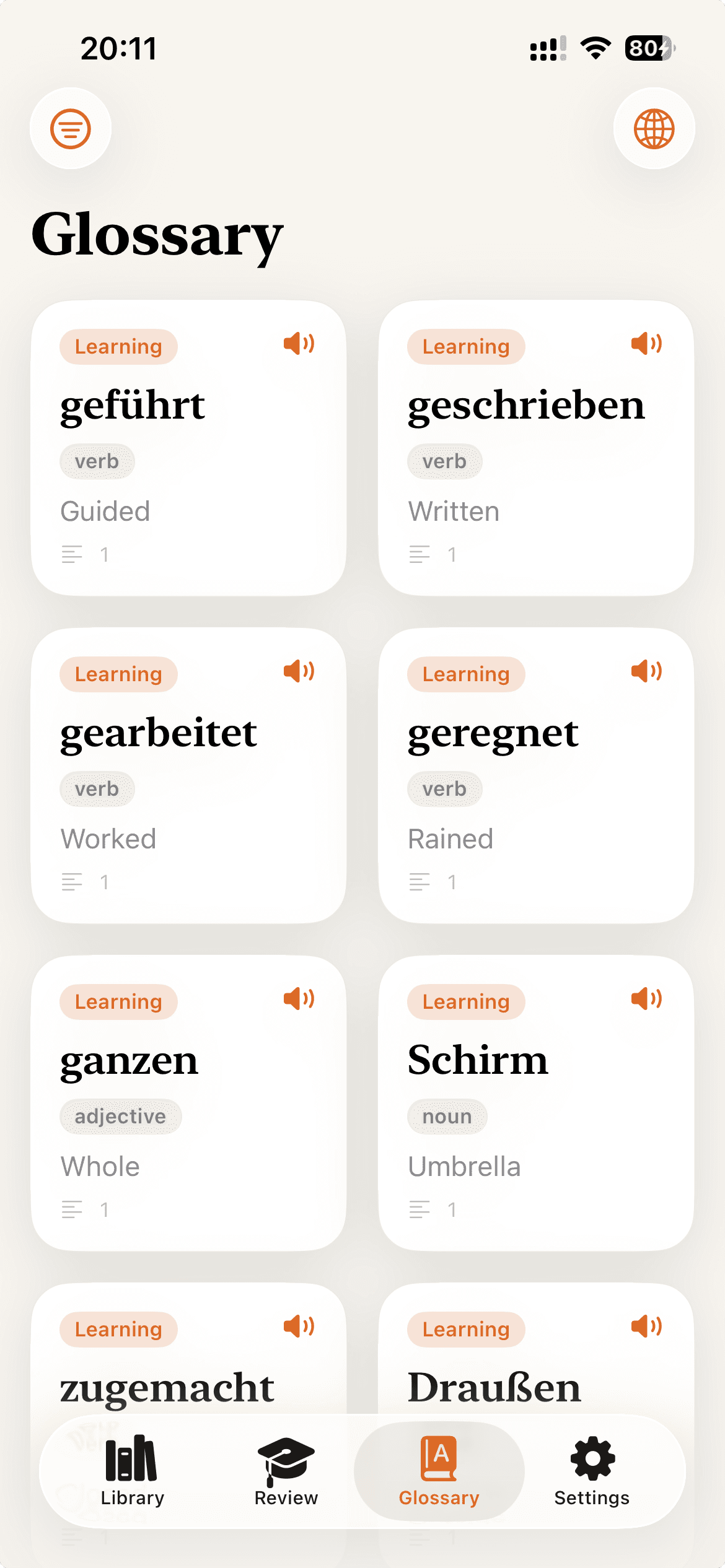
Saved words become your personal deck, and Smart Review uses spaced repetition to resurface each one right as you're about to forget. oqou marks the journey too, from your first month to your third to your first full year of reading.

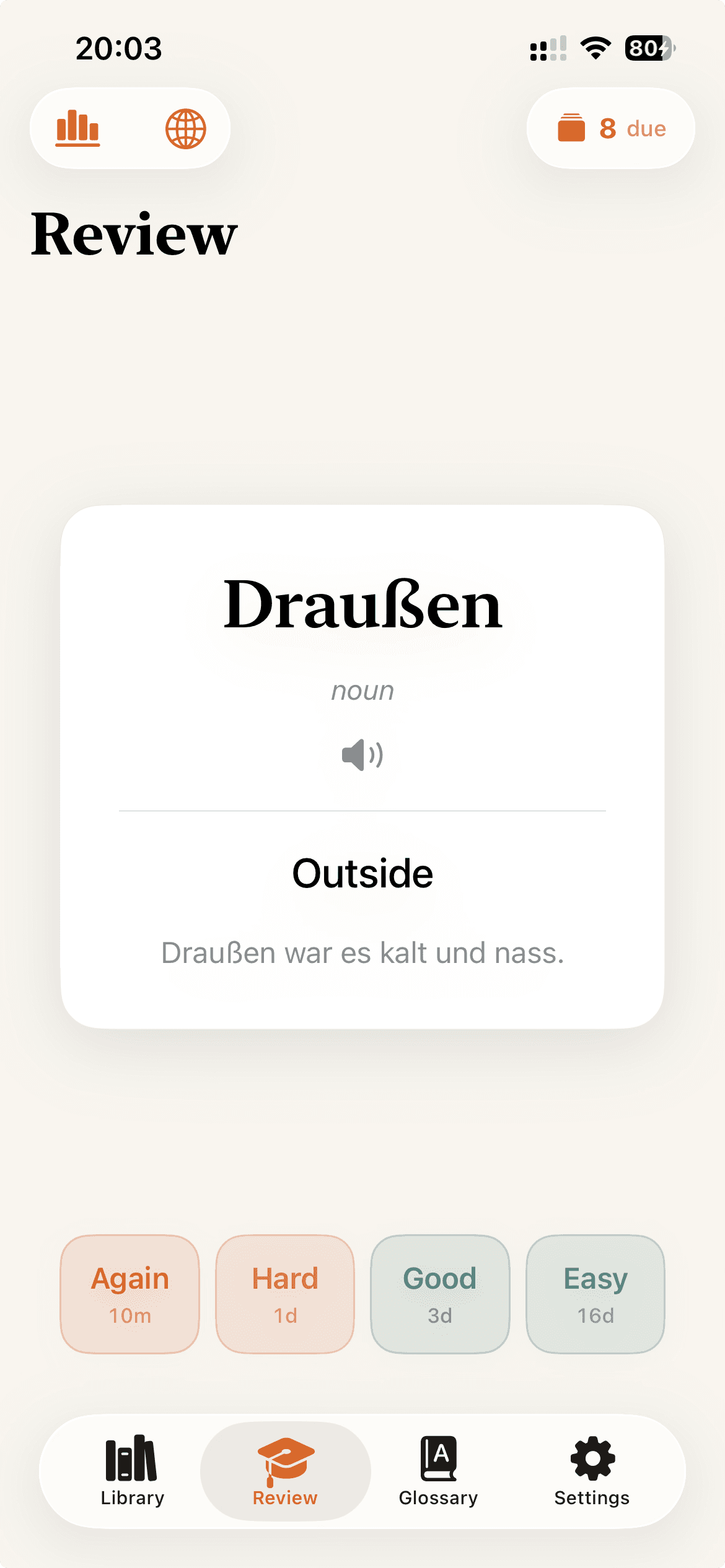
  • Spaced repetition, tuned to you
  • Short daily sessions that take minutes, not hours
  • Quietly tracks your progress over time
oqou running a short spaced repetition review session.

Your shelf

Every text earns a cover worth opening.

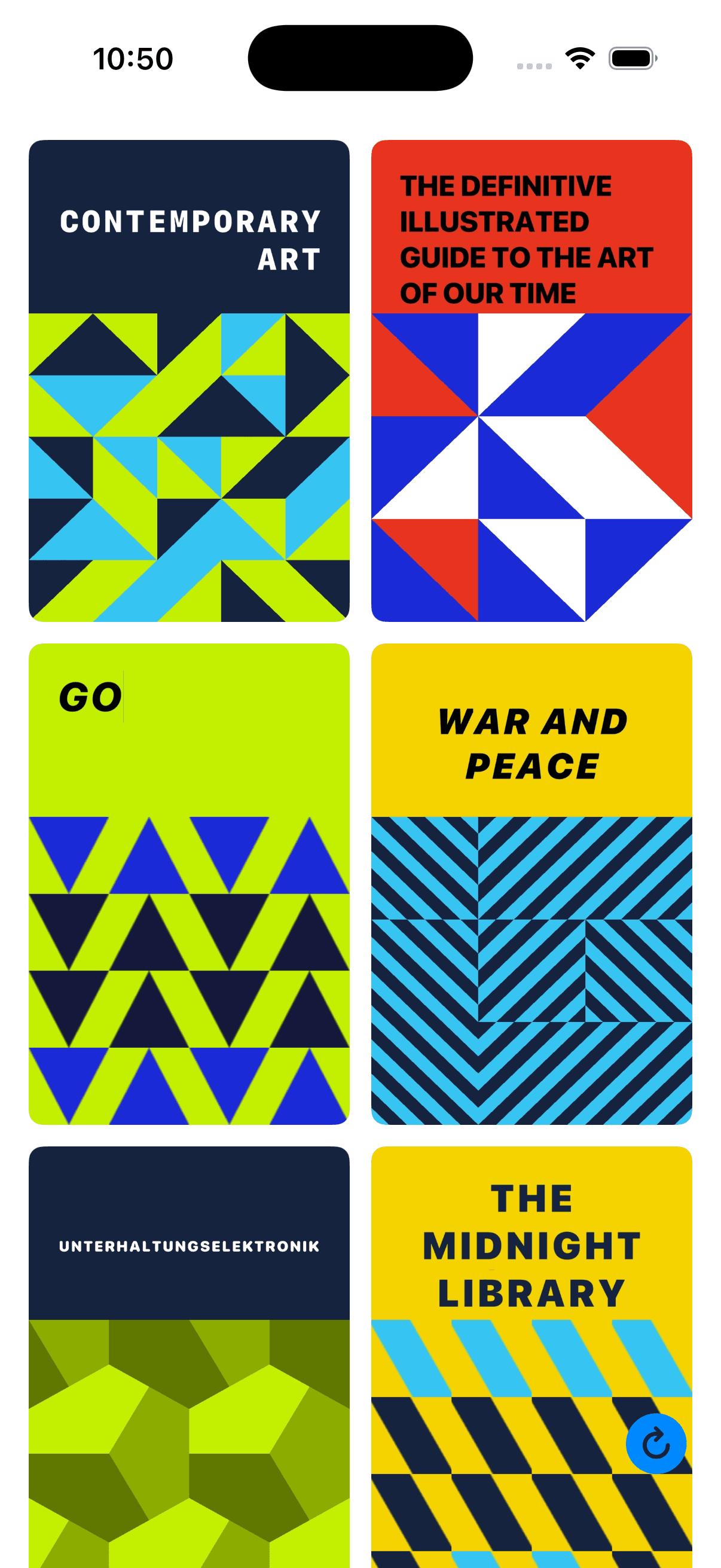
A plain PDF is forgettable. So oqou gives every text you import a unique cover, generated right on your device, turning your imports into a bookshelf you're proud of and actually want to come back to.

  • A distinct cover for every import
  • Generated on-device, fast and private
  • No two covers look alike
oqou showing your imported texts, each with its own cover.

oqou ProPro

Free is a real app. Pro takes the lid off.

Everything that makes oqou work is free: the level test, the starter stories, three documents of your own, on-device translation, word explanations, all ten read-aloud voices, and spaced review. Pro removes the three-document limit and adds the cloud extras.

  • Free: 3 of your own documents, plus the starter stories
  • Pro: unlimited documents and PDF export
  • Pro: cloud AI explanations, the cloud voice, and memory insights

The core reading experience runs on your device with no account. Only the Pro cloud features send anything, and only while you use them.

Download on the App StoreStart free, go Pro when you're ready
oqou Pro: cloud-powered explanations, voices, and covers.

Free level test

Know your level before you read a single page.

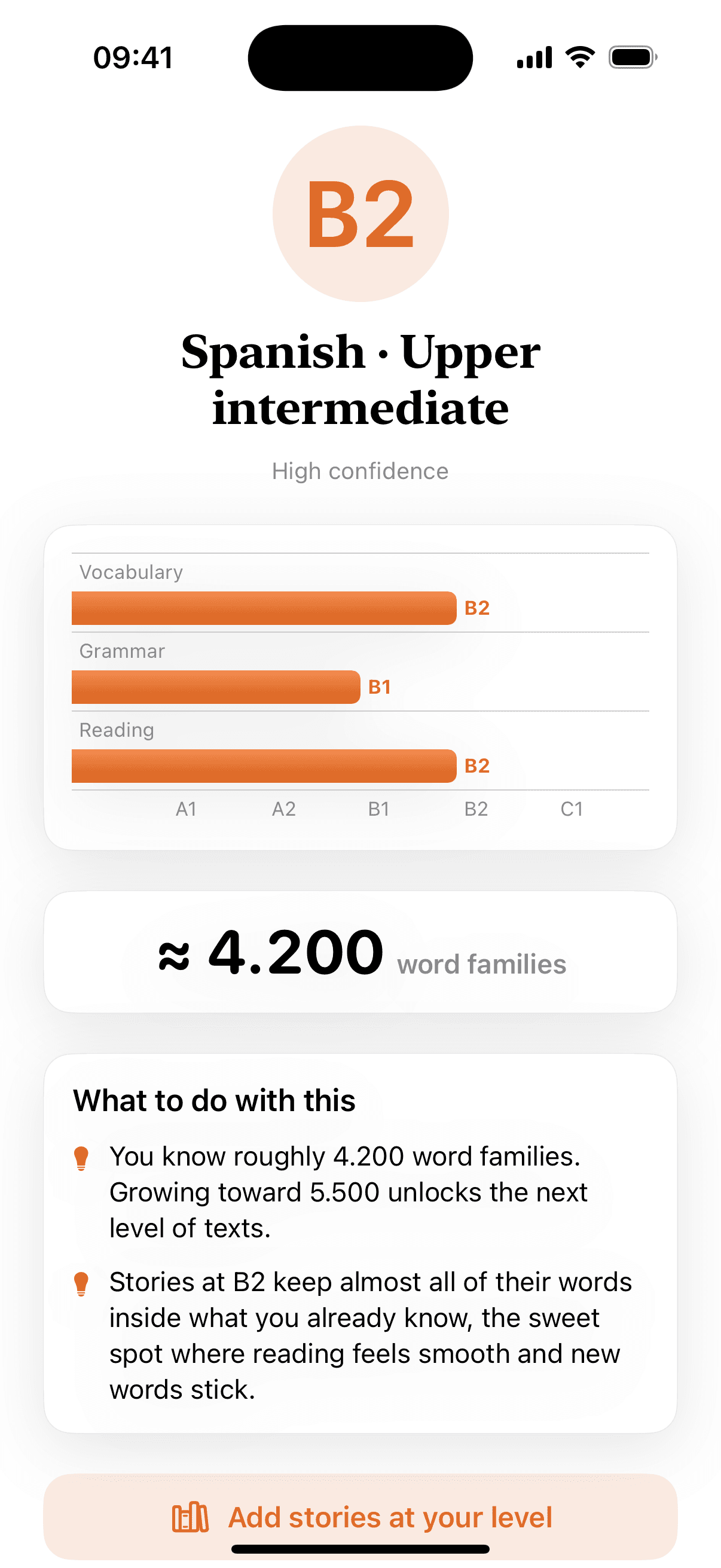
A quick, adaptive test places you somewhere between A1 and C1 in about two minutes, using a yes/no vocabulary staircase. Take the fuller version any time in Settings for a deeper placement, up to C2, and oqou starts you on stories written exactly for your level.

  • Free, in the app, no account needed
  • About 2 minutes for a first placement
  • A longer Settings test adds grammar and reading, up to C2
oqou's free level test, an adaptive yes/no vocabulary staircase.

Stories, printedPro

Turn any story into a PDF worth keeping.

Export a story with a cover generated just for it, the text set in the reader's own serif type, and a vocabulary appendix built from the words you saved while reading, finished with a small oqou colophon page.

  • A unique cover for every export
  • Typeset for reading, on paper or on a tablet
  • A vocabulary appendix made from your saved words

Starter stories export free. Exporting your own imports is part of oqou Pro.

oqou exporting a story as a designed PDF, ready to print.

In plain terms

What oqou is

oqou is an iOS reading app for language learners. Import a book, article, or PDF in the language you are learning, tap any word for a meaning that fits the sentence, and save it to a spaced-repetition deck. Reading, translation, and review all run on your device, with no account.

  • 12 languages

    German, French, Spanish, Italian, Portuguese, Russian, Arabic, Japanese, Chinese, Korean, Turkish, and English. The app itself is translated into all twelve, and Arabic reads right to left.

  • A1 to C2

    A free level test places you on the CEFR scale in about two minutes, and your library fills with graded stories written for the level it finds.

  • On your device

    The reader, tap-to-translate, saved words and review need no network and no account. Ten read-aloud voices download once, then speak offline.

  • EPUB, PDF, DOCX, TXT

    Plus web articles from a link and text you paste. Share to oqou from Safari, Books, Files, or any app with a share sheet.

Why reading, and why the reviews are spaced

Two findings sit under the whole app. A language is picked up from input you can already mostly follow, which is why oqou puts you in a real book at your level instead of a drill. And a word met again at widening intervals is retained far better than the same word drilled in one sitting, which is the schedule Smart Review keeps for you.

SourcesKrashen (1982), Principles and Practice in Second Language AcquisitionCepeda et al. (2006), Psychological Bulletin 132(3)

12 languages · A1 to C2 · Reading and review work offline · iPhone and iPad

FAQ

Questions, answered.

Still curious? Email hello@oqou.app and we'll help.

Is oqou free?

Yes, to start. The level test, the built-in starter stories, and your first three of your own documents are free, along with on-device translation, word explanations, all ten read-aloud voices, and spaced review. oqou Pro removes the three-document limit and adds PDF export, cloud AI explanations, and memory insights.

Which languages does oqou support?

Twelve: German, French, Spanish, Italian, Portuguese, Russian, Arabic, Japanese, Chinese, Korean, Turkish, and English. You read in one of those and translate into your own language. The interface is translated into all twelve, and Arabic reads right to left.

What can I import?

EPUB books, PDFs, DOCX files, plain text you paste, and web articles from a link. Share to oqou from Safari, Books, the Files app, or any app with a share sheet, and it becomes a clean, readable page.

Does oqou work offline?

Yes. The reader, tap-to-translate, saved words, and Smart Review all run on your device with no network. The ten read-aloud voices download once and then speak offline too. Only the Pro cloud features need a connection.

How is oqou different from Duolingo?

Duolingo teaches through exercises it writes for you. oqou has no exercises: you read the books and articles you already wanted to read, and it gives you the meaning of a word the moment you tap it. It suits people who can already read a little and want to get to real books.

What is the difference between oqou and LingQ?

Both are reading-first. oqou runs its translation and review on your device rather than in a cloud account, generates a cover for every import, and starts free with no sign-up. LingQ has a much larger shared library. There is a longer comparison in our guides.

Is oqou available on Android?

Not yet. oqou is an iPhone and iPad app. The free web reader at oqou.app/reader works in any browser, including on Android.

Is my reading private?

Yes. Reading, saved words, and reviews stay on your device, and there is no account and no tracking. The Pro features that call a cloud model send text only at the moment you use them. Nothing is shared in the background and nothing is sold.

Who is oqou for?

Readers who already have some of a language, roughly A2 and up, and want to get into real books and articles. If you are starting from zero, take the free level test first: it places you on the CEFR scale and starts you on graded stories written for that level.

Ready to read your way fluent?